Automotive
$29/mo
or $290/year(Save $58)
- Automotive tint visualizer
- Vehicle image library
- Film brands, types, and percentages
- Shop-branded demo links
- Quote-ready customer flow
Secure Stripe checkout
Show more. Sell more. Close more. Tint It App gives you everything you need to visualize, present, and win—automotive and beyond.
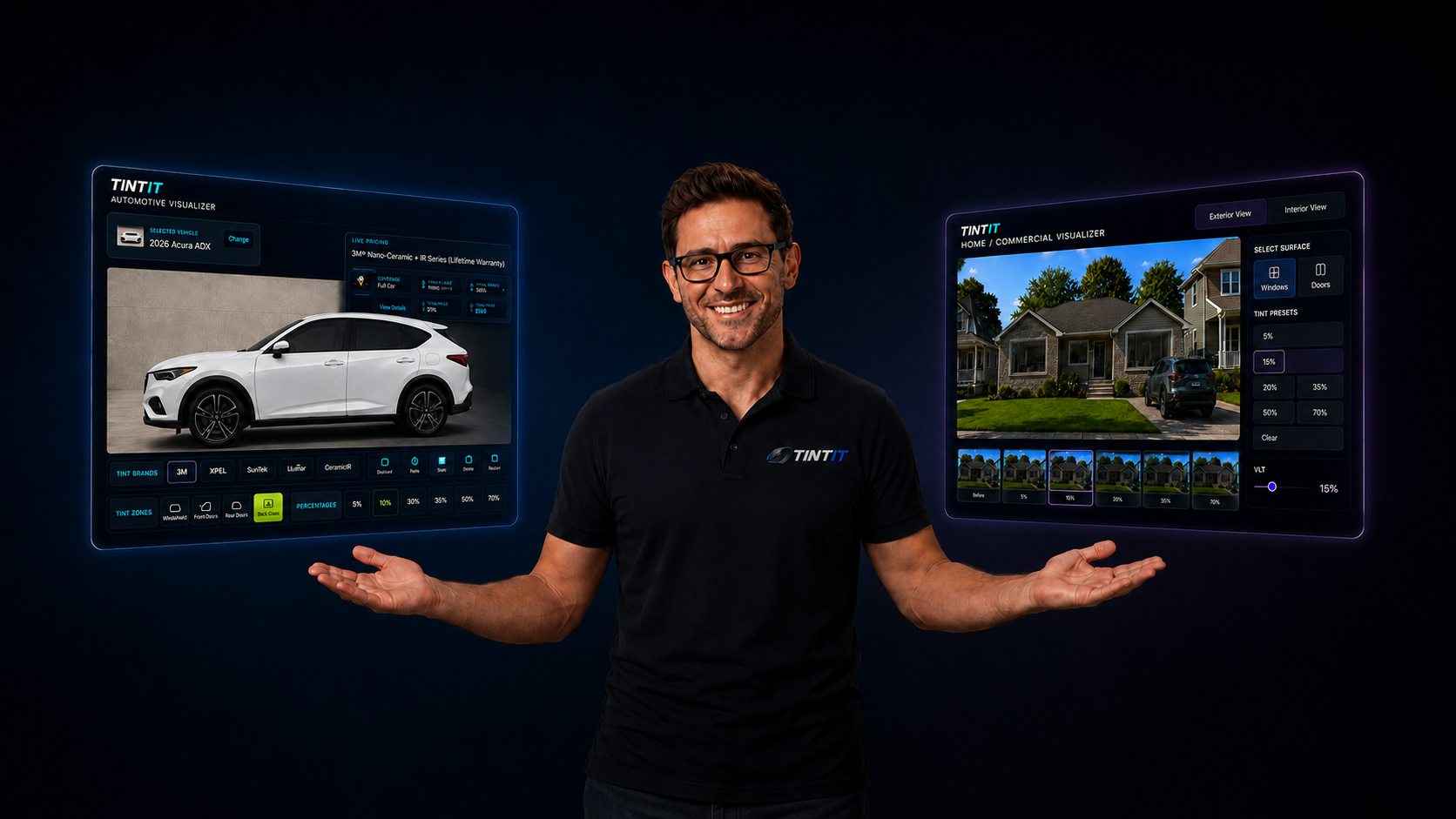
Automotive tint sales demo
Give shops a quick visual walkthrough of vehicle selection, film choices, tint percentages, custom setups, and quote-ready customer conversations.
Residential & Commercial tint sales
Tint It Home gives shops a visual way to quote residential and commercial window film jobs. Upload a project photo, choose a model, place tint areas over the glass, measure window groups, and save a professional customer quote from one clean workspace.
Upload project photos, choose residential or commercial layouts, mark the glass, and build a visual tint preview.
Learn MoreTurn window groups, square-foot totals, film choices, customer notes, and pricing into cleaner saved quotes.
Learn MoreExplain film options clearly with the brands, shades, types, and packages the shop actually sells.
Learn MorePresent residential and commercial tint previews through customer-ready links that feel tied to the shop.
Learn MoreUpload the customer’s photo or choose a residential/commercial model to begin the visual estimate.
Add tint shapes over the glass areas and adjust placement for a clean customer-facing preview.
Enter window groups, film choice, customer details, address, and notes while Tint It totals the job.
Open saved quotes, print a polished quote sheet, or prepare the quote for email delivery.